
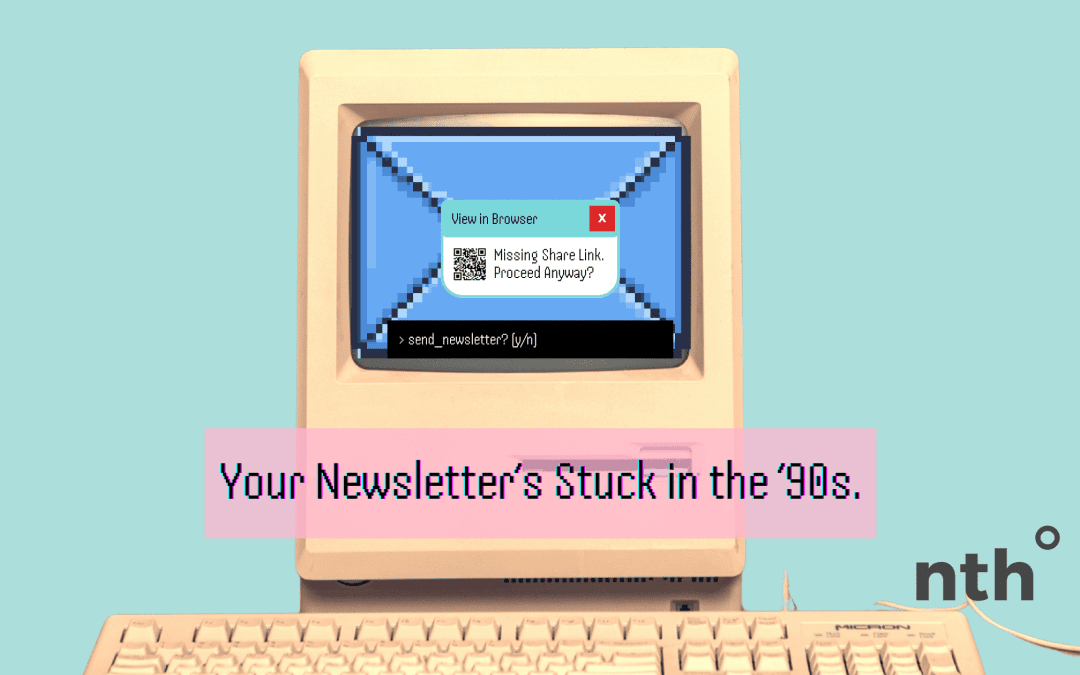
You spend hours (maybe days) crafting the perfect email newsletter… designing it, writing it, tweaking the subject line, even sending test after test. You hit “send” and wait for the magic to happen.
But here’s the truth: if your email doesn’t include a share bar, a “view in browser” link, and thoughtfully linked QR codes or images, you’re cutting your reach short.
Let’s break down why.
1. A Share Bar Extends Your Reach Beyond the Inbox
The average subscriber list only gets you so far. But when you add a share bar with social icons (Facebook, LinkedIn, etc.), you turn every email into a potential mini-broadcast.
Instead of just one person seeing it, they can pass it along to their network in a single click. That’s free amplification… and the kind of reach you can’t buy with a small ad budget.
Without a share bar? Your email is a dead end.
2. “View in Browser” Protects You from Email Client Issues
Not all email clients (looking at you, Outlook) play nice with formatting. Images break, layouts collapse, text looks off.
A “View in Browser” link is your safety net. It ensures your subscribers see your content exactly as you intended… on any device, in any email client.
If you skip it, you risk your hard work looking sloppy. And let’s be real: most people won’t troubleshoot… they’ll just delete.
3. QR Codes Are Great… But Only If You Do Them Right
Including a QR code in your email can be a clever move. It’s a quick way for readers to jump from inbox to action… signing up for an event, checking out a new resource, or following you on social.
But here’s the mistake too many people make: they drop a QR code as an image with no clickable link behind it.
That means if someone opens your email on a laptop or tablet, they can’t scan the QR code with their phone (because it’s on the same screen). You’ve basically given them a dead-end graphic.
The fix? Always link your QR code image to the same destination the code points to. That way, no matter how someone views your email—on mobile or desktop—they can still click and go.
Better yet, include a text link or a button too. Redundancy in user experience is a good thing.
4. It Makes Your Content Evergreen
With a “view in browser” link, your email isn’t just trapped in someone’s inbox. It becomes a link you can share later—on social media, in a blog post, or even in future emails.
That turns your one-time campaign into an evergreen resource that keeps working for you.
5. It’s About Respecting Your Audience
Adding these features isn’t just smart marketing… it’s a sign you respect your readers. You’re making it easy for them to engage, share, and revisit your content.
When you leave them out, you’re basically saying: “This email lives or dies in your inbox. Too bad if it breaks or you want to share it.”
And let’s be honest: that’s a waste of your time… and theirs.
The Bottom Line: If your email newsletter doesn’t have a share bar, a “view in browser” link, or properly linked QR codes, you’re leaving reach, engagement, and credibility on the table.
Before you send your next campaign, ask yourself: Am I making this email easy to share, save, and actually read?
If not, you’re doing the work… but not getting the reward.
Need help figuring out how to add a View in Browser link or Share Bar to your email? Holla at me!

 EN
EN  ES
ES