
If you’ve been following along here, you know that accessibility isn’t a new topic for me. It’s woven into the foundation of how I think about design and communication.
But this week, in anticipation of Global Accessibility Awareness Day felt like the right moment to step back and answer a question I get fairly often: What exactly is digital accessibility, and what does it look like in practice?
The Short Version
Digital accessibility means that websites, apps, and online tools are designed and built so that people with disabilities can use them independently and effectively.
That includes people who are blind or have low vision, people who are deaf or hard of hearing, people with motor impairments who navigate without a mouse, and people with cognitive disabilities who rely on clear structure and plain language.
The goal isn’t a special version of the web for disabled users… it’s one web that works for everyone.
Accessible design, done right, benefits all users.
Clear headings, sufficient color contrast, and logical page structure make experiences better whether you’re using a screen reader, reading on a phone in bright sunlight, or just trying to find something quickly.
The Frameworks Behind It
Most digital accessibility work is guided by the Web Content Accessibility Guidelines (WCAG), developed by the World Wide Web Consortium (W3C).
These guidelines organize accessibility around four core principles: content must be Perceivable, Operable, Understandable, and Robust. That means it has to work not just for the average user with the average setup, but across a wide range of people and assistive technologies.
In the U.S., these standards intersect with legal requirements under the ADA and Section 508, which is why accessibility isn’t just a best practice… it’s increasingly a legal necessity for organizations of all kinds.
What I’ve Been Learning
Over the past several months, I’ve been going deeper on digital accessibility in a deliberate way.
A highlight of that learning has been the presentations at axe-con, Deque Systems’s annual digital accessibility conference.
The sessions there gave me a much richer understanding of where the field is heading, from nuanced WCAG interpretation to practical techniques for more accessible components and patterns. It’s the kind of learning that shifts how you see every project.
I’ve also been exploring the landscape of assistive technology more directly, spending real time with tools like NVDA (a free, widely used screen reader for Windows) to understand how users who depend on it actually experience the web.
There’s no substitute for hearing a page read aloud the way a screen reader processes it to understand what’s missing.
What I’ve Been Doing for Clients
Learning is only useful if it changes what you actually do.
On the practical side, I’ve been incorporating accessibility audits and testing as part of my work with clients: reviewing websites against WCAG criteria and using tools like the WebAIM WAVE tool to surface issues ranging from missing alt text and form labels to heading hierarchy problems and color contrast failures.
These audits often surface things that have been invisible to site owners for years… not because anyone was careless, but because accessibility hasn’t traditionally been part of the web design conversation for smaller organizations.
Helping clients see those gaps and understand the path forward is some of the most meaningful work I do.
Why This Is Personal
My background is rooted in disability rights.
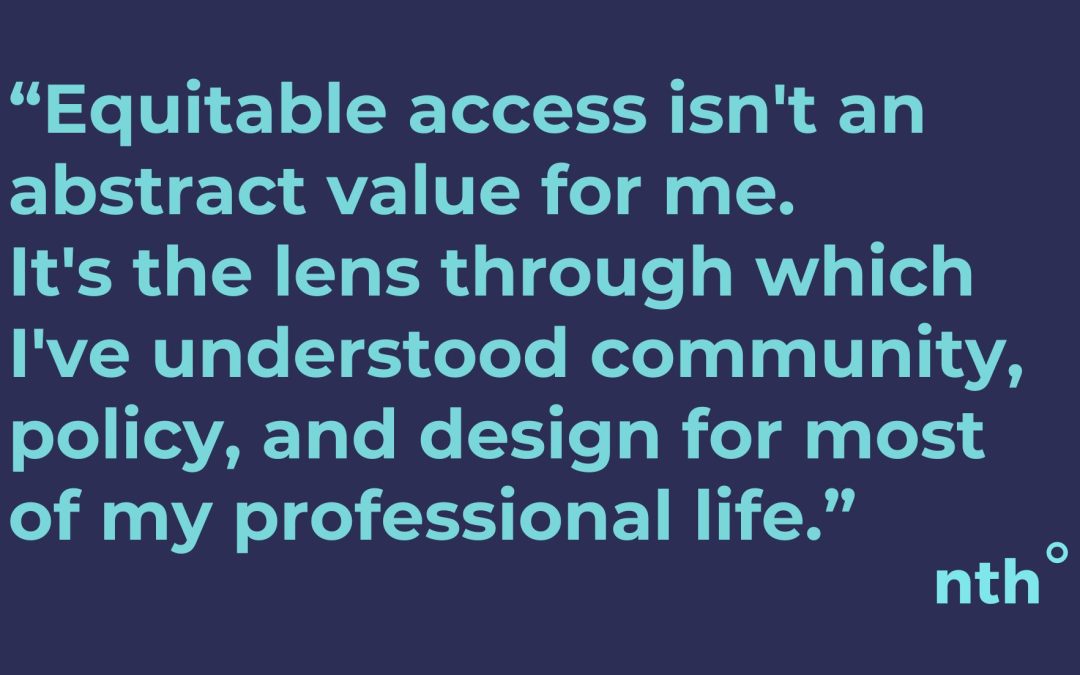
Equitable access isn’t an abstract value for me.
It’s the lens through which I’ve understood community, policy, and design for most of my professional life.
Bringing that into the technical work of web design feels less like an add-on and more like finally connecting two parts of the same commitment.
If you have questions about what digital accessibility means for your organization or website, reach out. I’d love to talk through it.

 EN
EN  ES
ES