
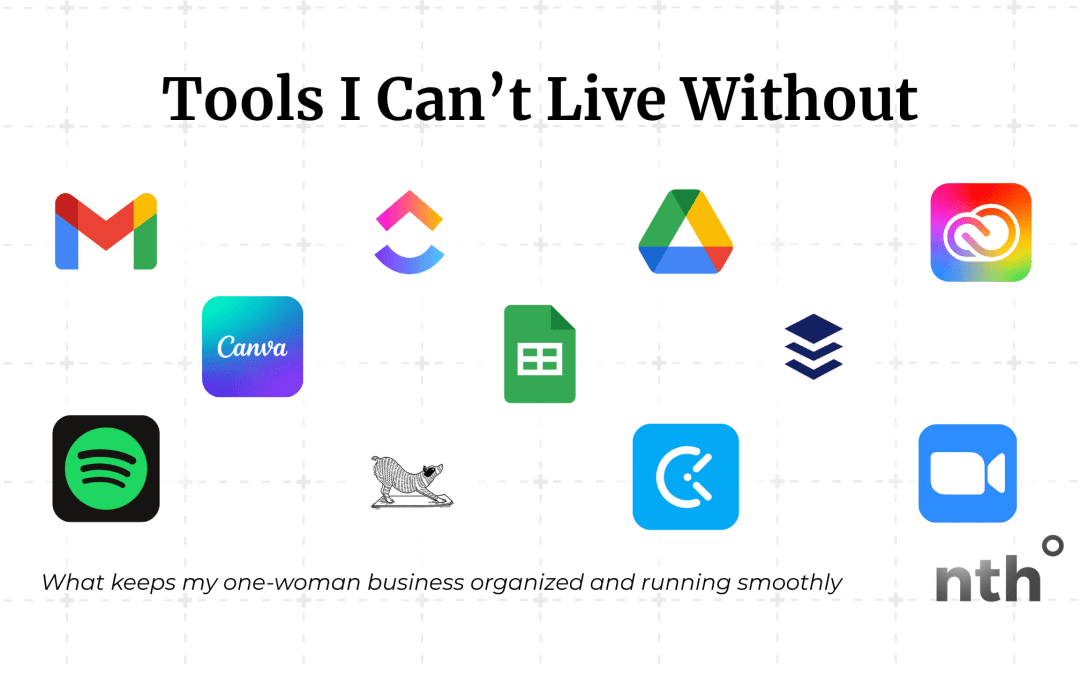
From client management to staying sane—these are the behind-the-scenes MVPs of my one-woman studio.
Running a creative business solo means you need tools that actually work—without overcomplicating things or adding another tab you’ll never use.
I’m not about tech for tech’s sake. I’m about ease, flow, and making the business side feel as good as the creative side.
So here are the tools that keep me organized, on track, and showing up consistently—even when I’m juggling multiple clients, projects, and a to-do list that never quite ends.
Google Workspace – Simple, Reliable, Shared
Nothing fancy here, just the basics that never fail:
- Shared Google Drive folders for clients
- Google Calendar for keeping track of my life and time
- Google Docs for content and copy reviews
- Google Sheets for budgets, invoices, editorial calendars, timelines, or link handoffs
It keeps everything centralized, easy to access, and easy for clients to use (no logins, no fuss).
ClickUp – My Project & Task Command Center
I use ClickUp to organize every single project, client or internal.
It’s where I keep:
- Task lists
- Feedback notes
- Project timelines
- Client folders and workflows
Each client gets their own space, and I can see what’s due this week at a glance. It’s what keeps things moving without mental gymnastics or sticky note chaos.
Bonus: I have templated task lists so every brand or website project starts with a clear path forward… no reinventing the wheel each time.
Canva – Quick Content Creation
Even though I work in Adobe tools for client projects, Canva is my go-to for:
- Social graphics
- Email headers
- Quick mockups
- Client-friendly templates
- Lead magnets and freebies
It’s perfect for speed and ease, especially when I want to test an idea fast.
Buffer – Social Media Scheduling
Buffer is a magical social media tool. Buffer has amazing features, even with a basic free plan.
Buffer allows you to:
- Post across platforms at simultaneously
- Customize your posts for each platform
- View your past and scheduled posts in a list or weekly/monthly schedule
- Duplicate posts easily
- Even write posts with Buffer’s AI Assistant
It’s awesome when you’re on the fly at a live event or just working remotely and don’t feel like whipping out the laptop!
I highly recommend Buffer for anyone who has multiple social media accounts.
Bonus Tools That Keep Me Grounded
Because solo biz life = wearing 10 hats and forgetting to eat lunch:
- Adobe CC – for professional design projects, photo and video editing, and podcast production
- Zoom – for meeting with clients and partners (hello, AI Companion!)
- Hubspot – for saving time comparing availability by letting clients and prospects put themselves on my calendar
- Clockify – for time tracking (and seeing where my hours actually go)
- Loom – for quick tutorials, client walkthroughs, and project handoffs
- Spotify playlists – because design flow needs the right soundtrack
- Find What Feels Good Yoga – for midday resets when my brain feels fried
TL;DR: I Use Tools That Do More With Less
None of these tools are magic on their own, but used intentionally, they make my solo business feel a lot more spacious and supported. They let me:
- Stay on top of multiple projects
- Deliver a better experience for my clients
- Spend more time designing and less time sorting through inboxes
If you’re a creative running things solo too, pick the ones that feel good… and let the rest go. Tools are here to support you, not stress you out.
Want a peek at how I set up these systems or templates I actually use?
Drop a comment or reach out! I’m always happy to share the behind-the-scenes.


 ES
ES  EN
EN